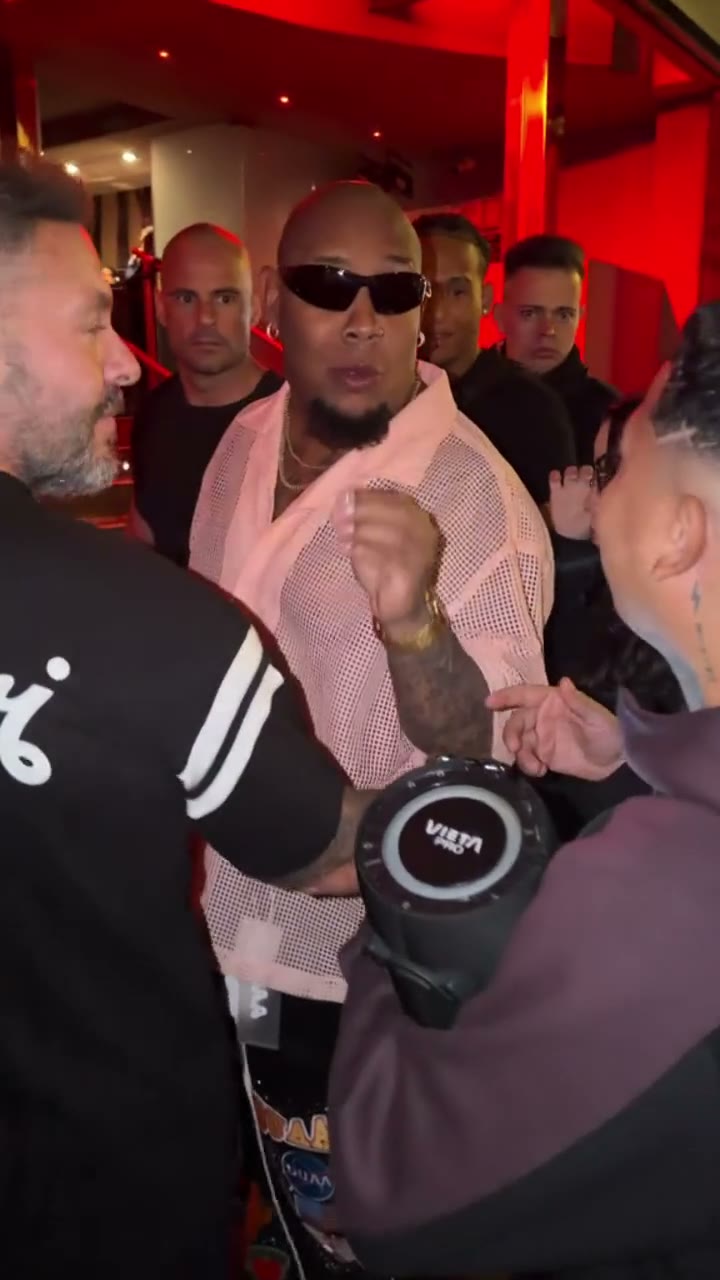
TWO PORTRAITS. ONE PERFORMANCE.

Hotel Lobby AI
Video Generator

Make a Hotel Lobby AI video inspired by the Migos AI trend on Hotel Lobby AI. Add two portrait photos, review the source clip and credit cost, then generate and download your duo’s performance.

Review sound before sharingTwo separate portraitsOriginal clip from 0:00
Original performance
Studio open

Your people.
The same stage.
From the very first frame.

See how it works

Create Your Own Migos AI Hotel Lobby Video

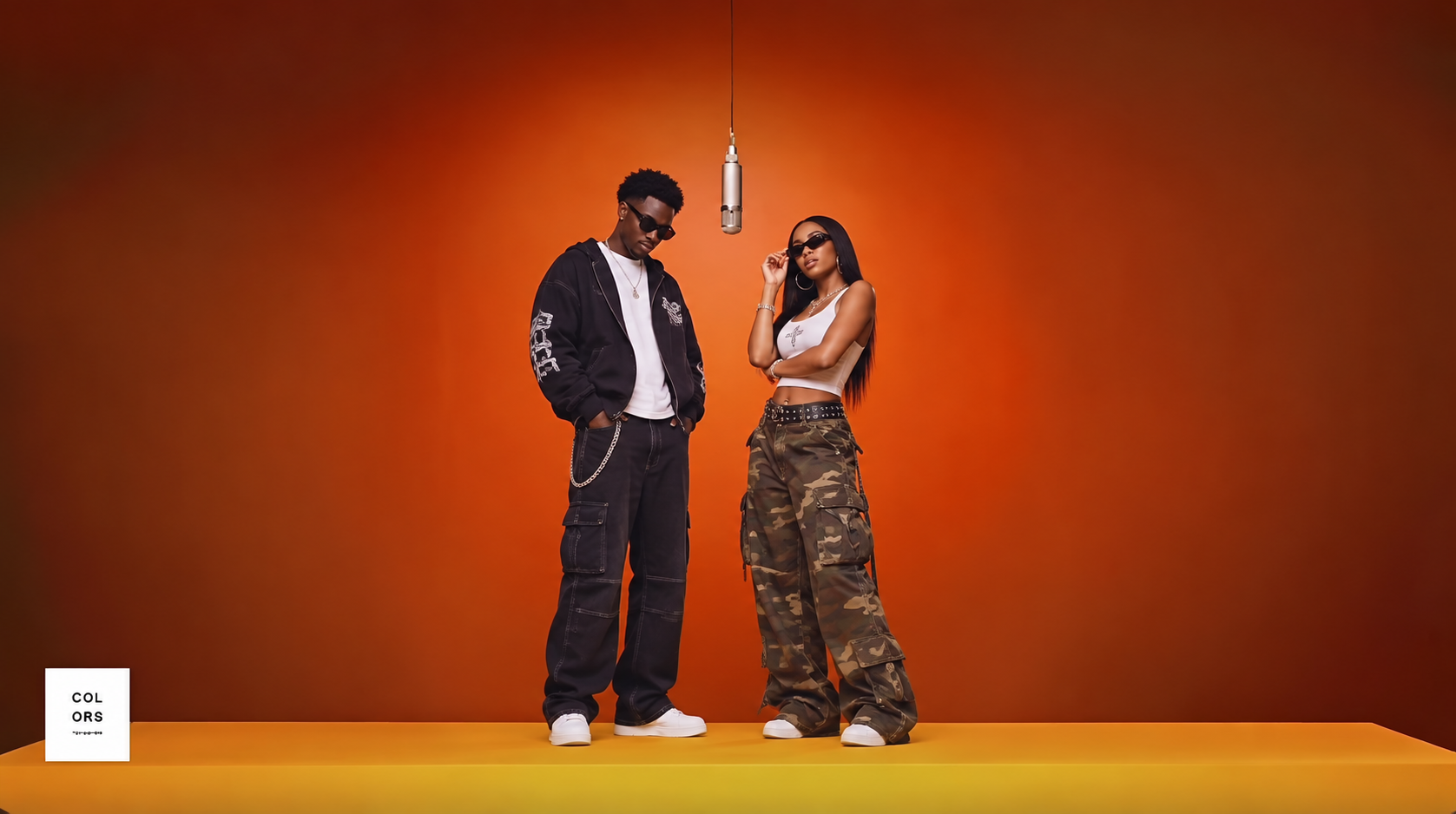
Bring your two stars to the orange stage. The Migos AI Hotel Lobby format pairs two performers with a hanging microphone and a shared rhythm. Add separate portraits, review the original performance, and create your own duo video in the studio below.

Private video studio

Your performance studio

Original performance

Starts at 0:00
0:00 → 12s16:9 · Original audio

Watch the opening and listen to the clip before generating. Your result uses this exact segment as its input.

What will change

The left performer takes the first portrait’s identity; the right performer takes the second. The model is asked to preserve the stage, gestures and camera movement.

Small timing differences are aligned to the source length. Face quality and lip sync need your review.

Your cast

Left performerImage 1

Choose portrait

Right performerImage 2

Choose portrait
One clear adult face per photo.

Photos are kept in this browser for 24 hours so you don’t need to re-upload after signing in.

Length from the beginning
Resolution
Frame
Credits for this video12s · 720p · 16:9 · One generation1,920 credits
Sign in to buy credits and generate.

Reviewing is free. Credits are reserved only after your final confirmation.

Ready to replace both performers?

Left performer
Left performer
Right performer
Right performer

12s · 720p · 16:9 · Original audio

1,920 credits

The left performer takes the first portrait’s identity; the right performer takes the second. The model is asked to preserve the stage, gestures and camera movement.

Two separate portraitsOriginal clip from 0:0016:9 or 9:16 canvasReview sound before sharing
THE WORKFLOW

Your duo, in three steps.

Read the creation guide
  1. Choose your two people

    Add a separate, clear portrait of each consenting adult. Image 1 goes on the left; image 2 goes on the right. Swap the photos if the order needs changing.

  2. Review the original clip

    Watch the performance with sound, choose its length and resolution, and check the opening. Every available segment begins at 0:00 of the original video.

  3. Replace, watch, compare

    The model replaces both performers using your portraits. Review each identity, motion, sound and lip sync before downloading the MP4.

START WITH THE PERFORMANCE

The movement comes
from your original clip.

Hotel Lobby AI is built for Hotel Lobby AI videos: two people share a stage, follow the same rhythm and interact in the same shot. Your portraits supply the identities; the source clip supplies the action.

The workflow edits the people in the original footage using your portrait references. It asks the model to retain the opening, background, gestures and camera movement. After generation, review the output before sharing your completed result.

Begins at the original 0:00Choose original or vertical canvasReview source sound and lip sync

AI likeness and lip sync can vary. Always review the output against the original.

5s studio example · 1408 × 768
GENERATED IN OUR STUDIOA five-second video generated in our studio. Actual output: 1408 × 768 with audio.
A BETTER STARTING POINT

Prepare the faces. Check the source.

01 / PORTRAITS

One clear face in each image.

Choose sharp, well-lit photos with the face visible. Avoid sunglasses, heavy filters, group shots and extreme side profiles. JPEG, PNG and WebP portraits up to 10 MB are supported.

Photo preparation tips
02 / PERMISSIONS

Use people and media with permission.

Both people must be adults and agree to this use of their likeness. Check your rights to the footage and audio too, especially before publishing or using the result commercially.

Read the usage terms
03 / REVIEW

Compare the whole performance.

Look at both identities, the opening frame, hand movements, camera position and mouth timing. Original audio alone does not guarantee perfect lip sync. Keep the result private until you have reviewed it.

Explore the visual concepts
CREDITS & PRICING

Hotel Lobby AI video pricing.

A 12-second 720p video uses about $1.92 of credits with the $10 Studio pack. Choose a one-time pack and see the full quote before generation.

Starter

$3one-time

About $2.40 / 5-second video

Covers 1 complete 5-second 720p video(s); remaining credits stay in your balance.

1,000 credits

1,000 credits. Covers one 5-second clip; a 12-second clip requires a larger pack or additional balance.

Use for any available duration or format

Creator

POPULAR CHOICE

$5one-time

About $3.20 / 12-second video

Covers 1 complete 12-second 720p video(s); remaining credits stay in your balance.

3,000 credits

3,000 credits. Covers one 12-second clip with credits left for another short clip.

Use for any available duration or format

Studio

$10one-time

About $1.92 / 12-second video

Covers 5 complete 12-second 720p video(s); remaining credits stay in your balance.

10,000 credits

10,000 credits. The lowest credit unit price of these three packs.

Use for any available duration or format

720p credit-value estimate using the $10 Studio pack (10,000 credits), before any checkout tax. The pack covers five full 12-second clips; 400 credits remain. This is not a per-video checkout price.

BEFORE YOU CREATE

A few things
to know.

How the source, portraits and sound work together.

About Hotel Lobby AI
What is Migos AI?

Migos AI is a name used for AI-created videos inspired by the Hotel Lobby duo performance. The recognizable format features two performers, an orange stage and a hanging microphone. Portrait references give each role a new identity while the source clip provides the movement and timing.

How to make a Migos AI video?

On Hotel Lobby AI, upload a separate, clear portrait for each performer. Choose a 5-, 12- or 30-second clip and your landscape or vertical frame, then review the original performance and credit quote. Confirm generation, wait for the result, and preview and download your completed Migos AI Hotel Lobby video.

What is a Hotel Lobby AI video?

A Hotel Lobby AI video replaces two performers in a shared scene using two portrait references. The source clip supplies the stage, gestures and camera movement; your portraits supply the identities.

Do both people need to appear in one photo?

No. Add a separate, clear portrait of each consenting adult. Image 1 goes on the left and Image 2 goes on the right. Choose one visible face in each photo, without sunglasses or heavy filters.

Can I use an original rap video?

The studio uses a supplied performance template, with 5-, 12- and 30-second segments starting at 0:00. Review the source before generating. A template being available here does not grant rights to the footage or music; rights to the source material and permission from the people depicted must be confirmed before use or publication.

Will the result have the same audio?

The current workflow retains source audio when it is present. This does not grant permission to reuse that recording. Check sound, timing, lip sync and usage rights before sharing the completed video.

How long can the video be?

Choose a 5-second, 12-second or 30-second segment. Each starts at the beginning of the original clip, at 0:00.

How much does a video cost?

A 12-second 720p video uses 1,920 credits. With the $10 Studio pack (10,000 credits), that is about $1.92 of credits per clip, before any checkout tax. You pay $10 for the pack; it covers five full 12-second clips with 400 credits left. Smaller packs have different unit costs. The quote is shown before generation.

Are my photos or results shown publicly?

Your selected portraits stay in your browser for up to 24 hours and are uploaded only after you explicitly confirm generation. The studio does not publish them to a public gallery.

Will both faces and the performance be exact?

AI likeness, gestures and motion can vary. Compare both faces, the opening frame, hand movements and lip sync with the original clip. Review the full result before sharing it.
Bulin 47 AI Video GeneratorCreate a single-photo freestyle with 5, 20 or 40-second templates.

Bring your duo to the performance.

Start with two separate portraits. Review the original clip before you generate.

Open the studio